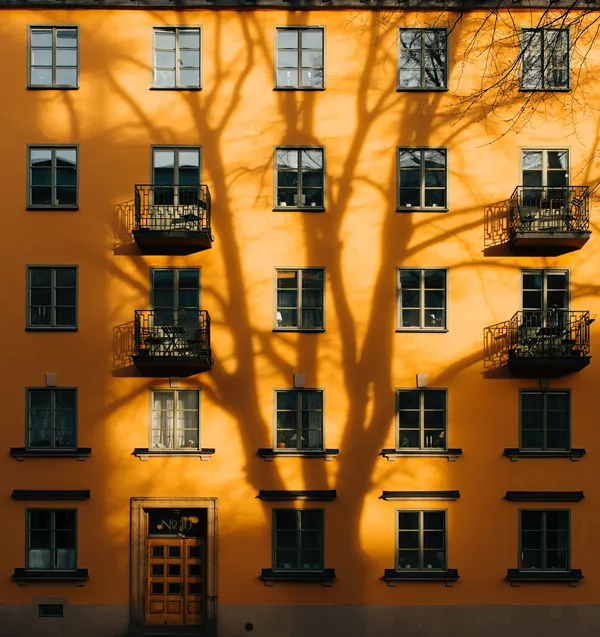
När du tagit emot en nyckel från din kund:
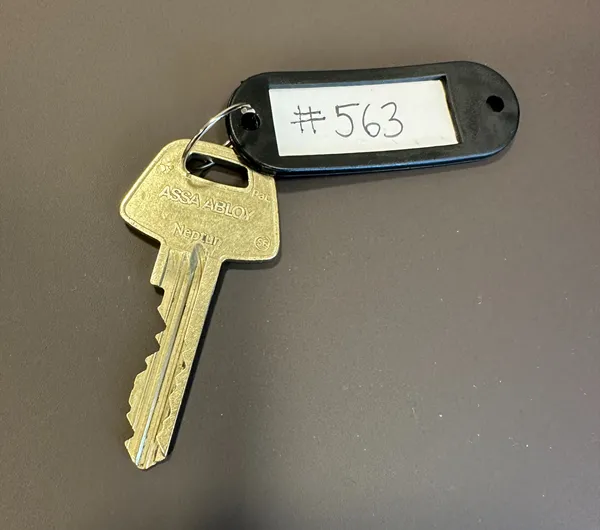
- Ta fram en nyckelring
- Skriv kundnummer på en nyckelring, t.ex. #563. Du hittar kundnumret i TimeWave bredvid kundens namn. OBS! Skriv aldrig kundens namn eller adress på nyckelringen
Sätt fast nyckelringen på nyckeln
Fota nyckeln så att kundnumret syns tydligt
Skicka bilden till kontoret på office@rozenclean.se
Förvara nyckeln på ett säkert ställe i ditt hem
Glöm inte att ta med nyckeln när du ska till respektive kund
Larm
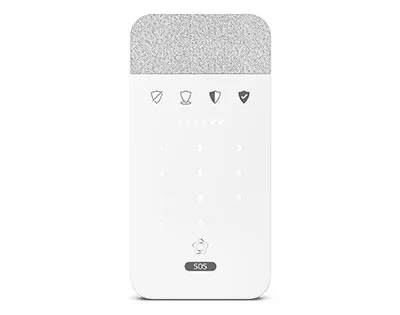
Om kunden har ett larm i sin bostad som de vill att vi ska använda
- Stänga av det när du kommer
- Viktigt att slå på larmet när du går om kunden inte är hemma
- Koden hittar du i TimeWave.
- Följ larmanvisningarna för att säkerställa att det hanteras korrekt.
- Om kunden meddelar en ny larmkod till dig är det viktigt att du informera kontoret så att den kan uppdateras i TimeWave
Dörrkoder
För flerbostadshus och entrédörrar med port- eller dörrkod i stället för nyckel hittar du koden i TimeWave. Om du inte kan se koden i ditt schema, kontakta kontoret så att vi kan lägga in rätt kod och göra den synlig.
- Om kunden ger dig en ny portkod till dig är det viktigt att du informera kontoret så att den kan uppdateras i TimeWave
- Ibland finns det porttelefon till ett flerbostadshus, leta då upp kundens namn och ring på porttelefonen
Du får aldrig ge ut larm- och portkoder till någon som inte arbetar i Rozen Clean .